
Help with your app
Halloween Drop support
Learn the rules and get help with your game.
Getting started
Tap Play on the home screen. The first time, read the instructions and tap Start Game. Later Play taps open the board directly.
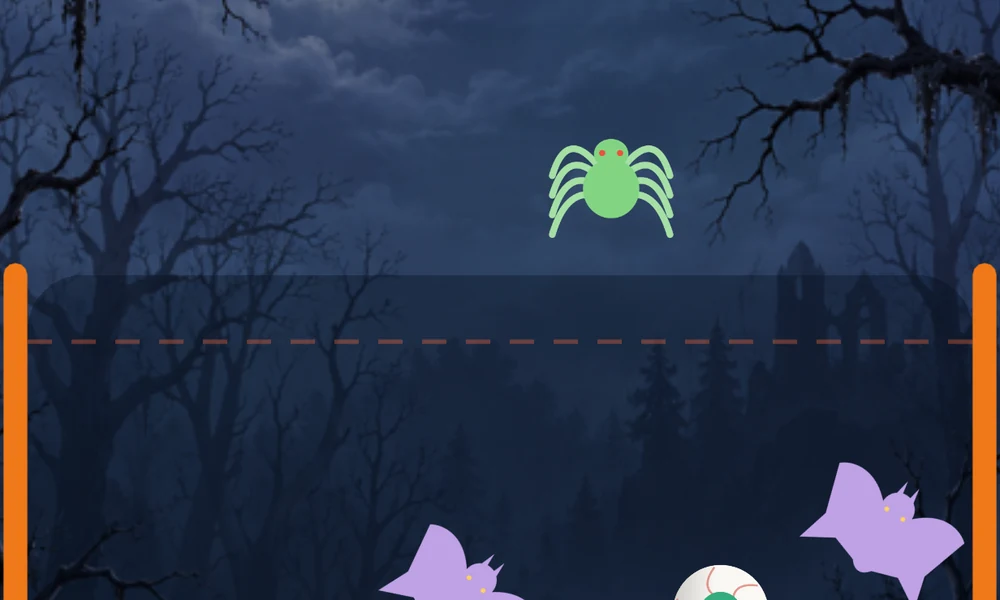
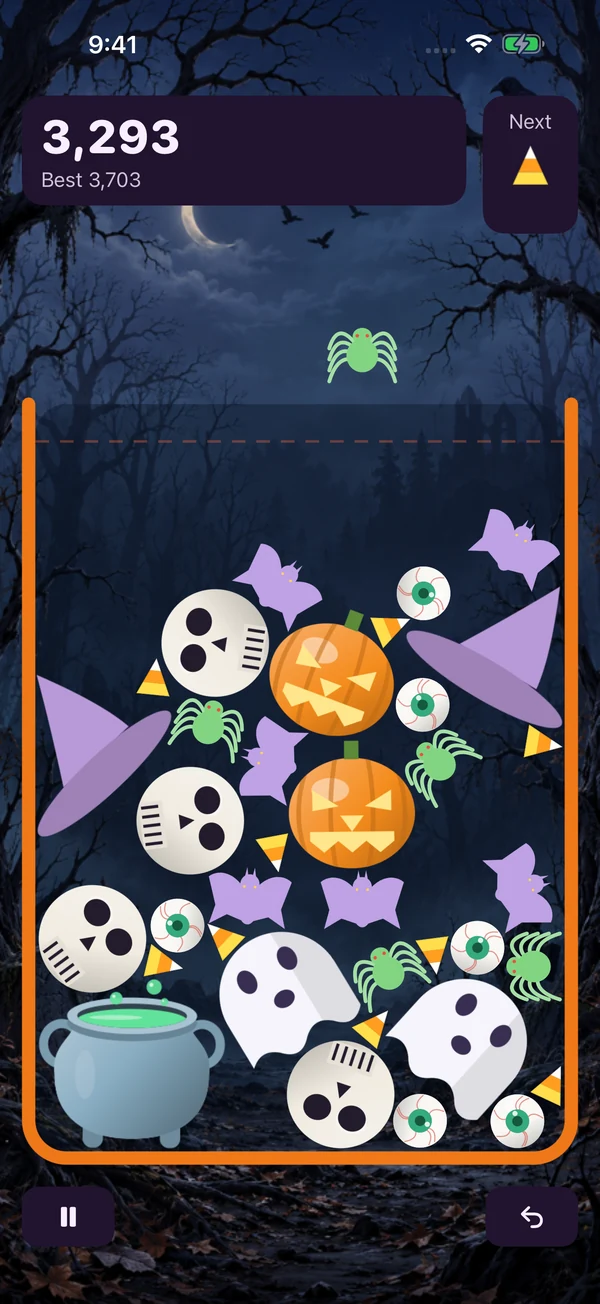
Drag across the board to aim, then lift your finger to drop. The aiming guide appears while you hold your finger down. You can also tap a column for a quick drop. Two identical pieces touching merge into the next piece. Keep merging to increase your score.
01 Aim and drop
Drag to aim, then lift your finger to release. Keep the settled pile below the dashed danger line.
Full screenshot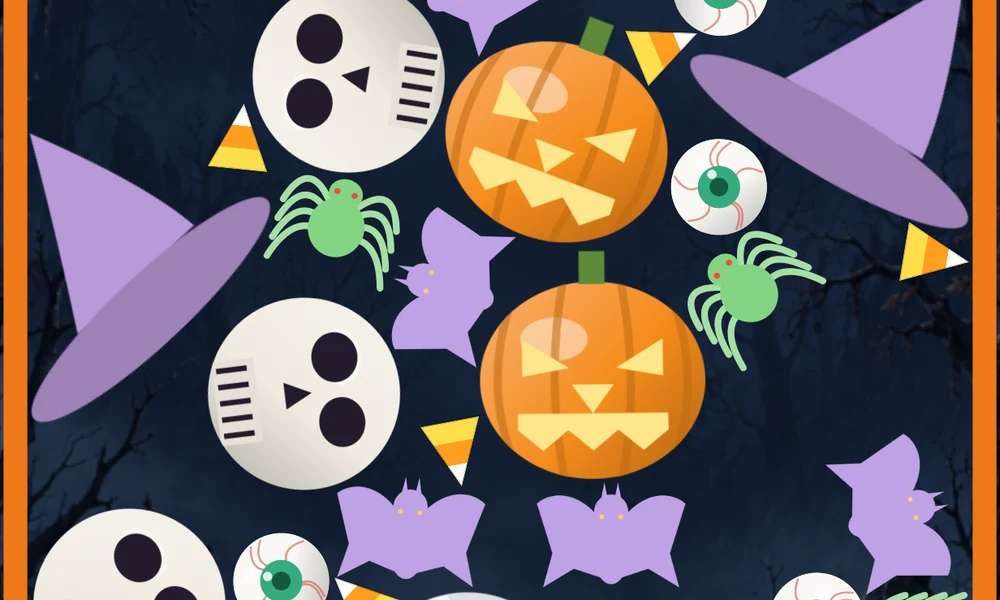
02 Match to merge
Two matching pieces touching become the next piece. Build your way from candy corn to a haunted house.
Full screenshot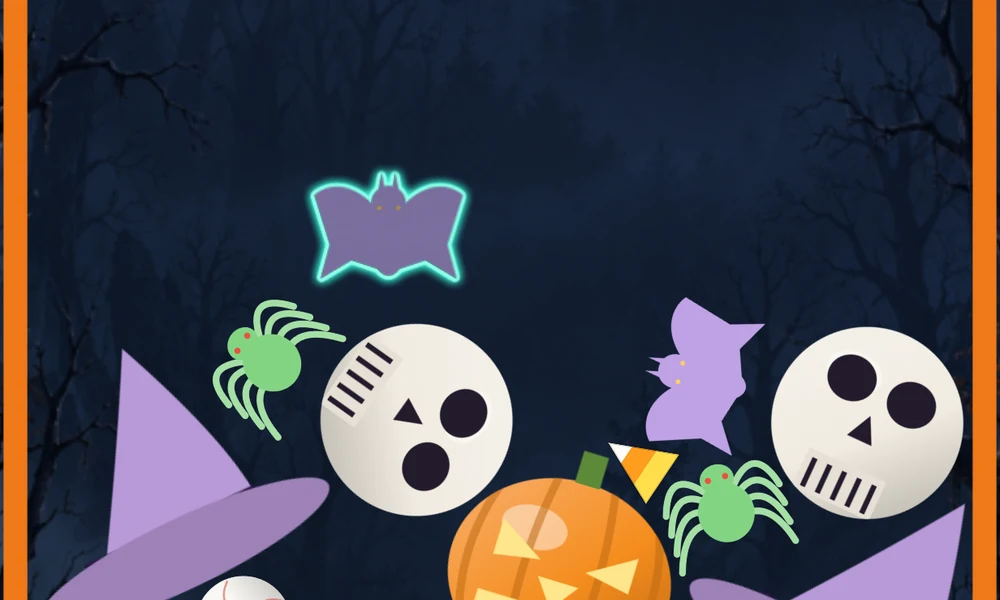
03 Choose a ghost’s depth
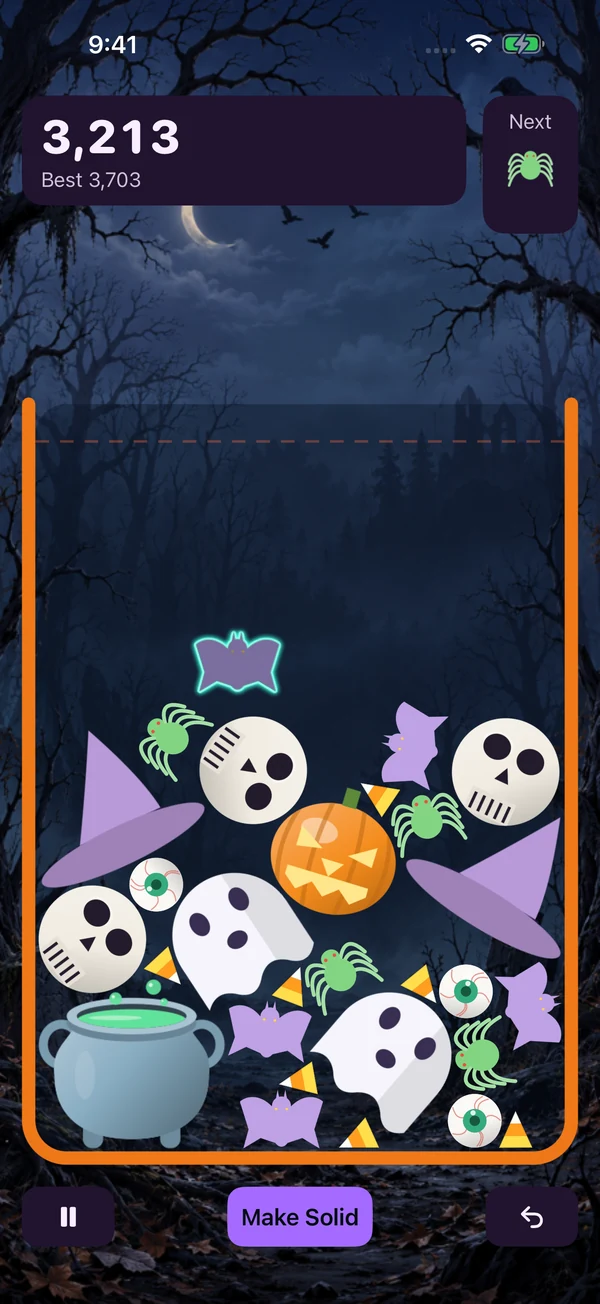
A cyan glow means the piece can pass through the pile. Tap the board or Make Solid at the depth you want.
 Full screenshot
You can reopen How to Play from Home, Pause, or Settings. How to Play on the home screen also has a Start Game button.
Merge order
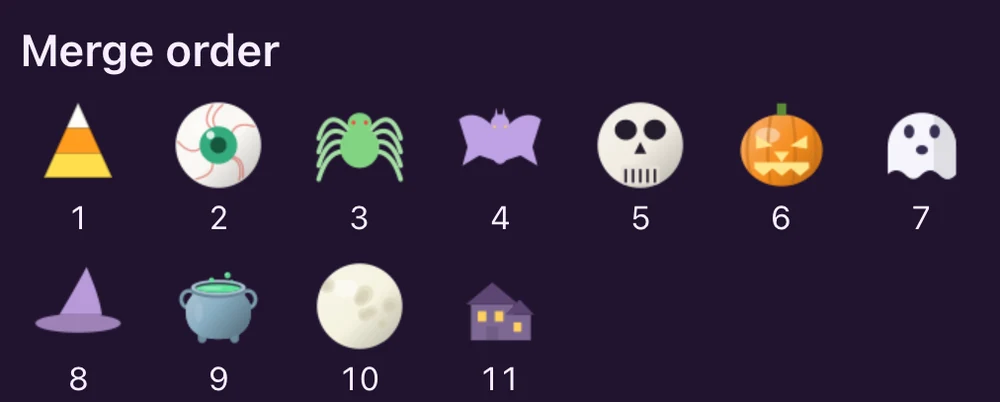
Each matching pair makes the next piece in this order:
- Candy Corn
- Eyeball
- Spider
- Bat
- Skull
- Jack-o’-Lantern
- Ghost
- Witch Hat
- Cauldron
- Full Moon
- Haunted House
Merge two Full Moons to make a living Haunted House that climbs out and leaps away. You can check the illustrated merge order from Pause or How to Play.
The Ghost in this list is a piece in the merge order. A ghost drop is the glowing, translucent state that lets a falling piece pass through the pile.
Living haunted houses
Merge two Full Moons to make a Haunted House. It looks around, roars, grows limbs, climbs out, and leaps away along one of six routes. The rest of the pile keeps falling and merging. Pieces displaced by the house are protected from overflow or spill losses until they settle safely; new drops wait until the house leaves.
Creating the house earns the normal merge points. Pause freezes the celebration; Undo restores your previous board and score.
Your next piece
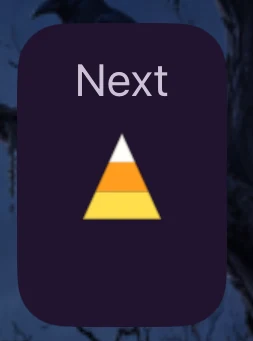
The piece above the jar drops first. Next shows the piece waiting to follow it. A ghost in Next has a cyan glow and the label Ghost.
While a ghost is falling, Next keeps showing the waiting piece. It advances after you make the ghost solid and the following piece appears above the jar. Consecutive pieces can be the same.
The danger line

A piece still falling does not immediately end the run. When the pile settles near the danger line, the first two close calls trigger the trick-or-treat visits below. After both visits, the run ends if the pile rests above the line for too long.
Undo
Tap the curved arrow to undo once per run. It rewinds the entire last drop, including merges, ghost materialization, movement, and any trick-or-treat visit since that drop. It also restores the held and Next pieces.
Controllable ghosts
Roughly one drop in six is translucent, glows cyan, and falls slowly through the pile. Tap the board or Make Solid at the depth you want. Matching pieces merge; other pieces move aside.
Only one ghost can be active. It waits at the floor until you make it solid. The next piece appears above the jar after materialization and any movement have finished.
Trick or treat
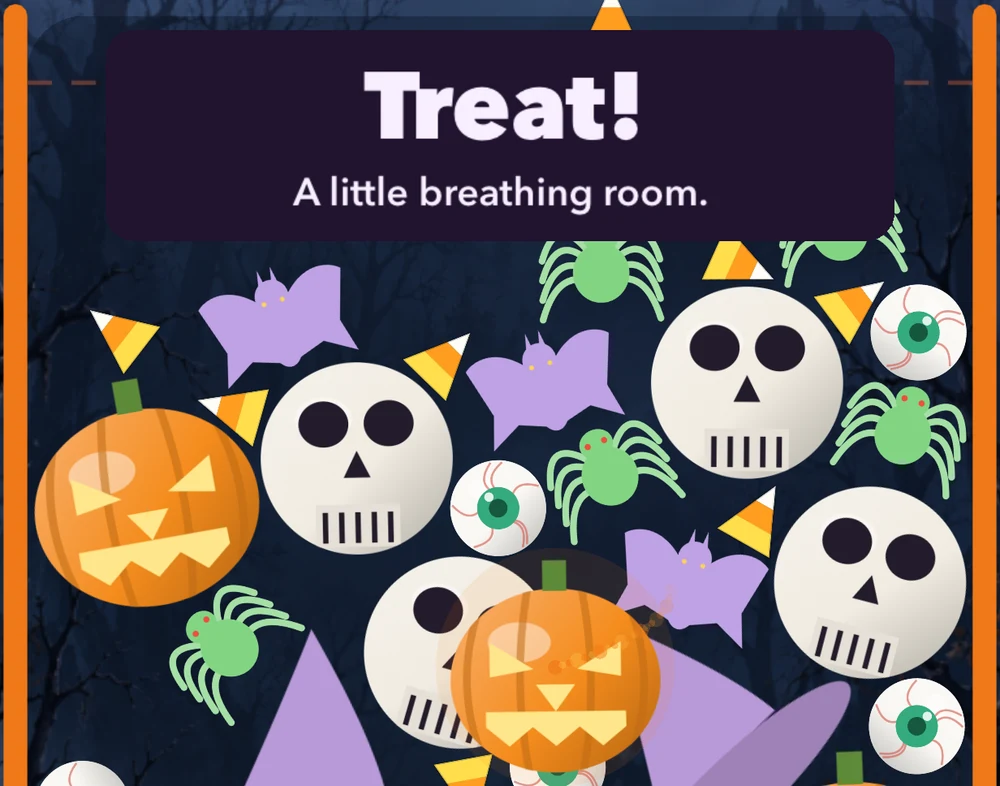
Each run has two visits when the settled pile approaches the danger line. First comes a jack-o’-lantern: it winds to the middle, glows, and bursts, clearing Candy Corn through Skull. Jack-o’-Lanterns and higher tiers remain, then settle and can merge.
Next comes the witch. She carries away every piece of the highest tier currently on your board. This frees space but sets back your progress up the merge ladder. Earned points stay; neither visit adds merge points. Ghost pieces are left alone.
The board waits during each visit, then settles before play continues. Pause freezes the animation. Undo restores the board and visit state from before your last drop. After both visits, no further rescue prevents overflow.
Pause and resume
Tap Pause to freeze the board. The game also pauses when you leave the app; tap Resume when you return. End Run asks for confirmation before discarding the board.
Your current board is kept in memory. Closing the app completely ends the run, and the board is not restored when you reopen it. Your best score remains saved.
Scores and settings
Your best score, sound and haptic preferences, and first-run help preference are saved on your device. Your best score is recorded as you play. There is no account or cloud leaderboard.
Sound and Haptics can be switched off in Settings. Saved scores and preferences remain until you delete the app and its data; on iPhone, offloading may retain them. See the privacy policy for backup details.
Devices and offline play
Available for iPhone with iOS 17 or later and for Android. See the App Store or Google Play listing for current device compatibility. Gameplay works without an internet connection. Opening web links or emailing support requires a connection.
Contact support
For help, email [email protected]. Include the app name, device model, iOS or Android version, app version, and what happened. Steps to reproduce a problem or a screen recording can help; avoid including personal information you do not need to share.